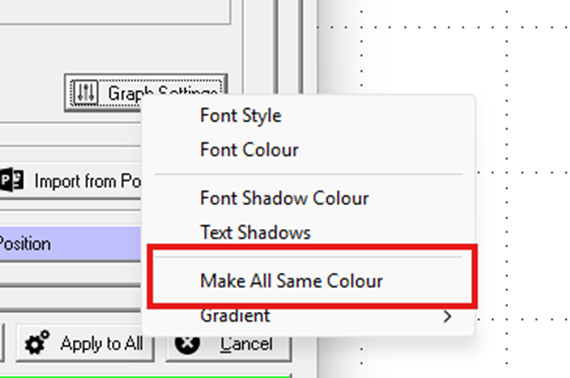
How do I change all the bars to one colour easily?
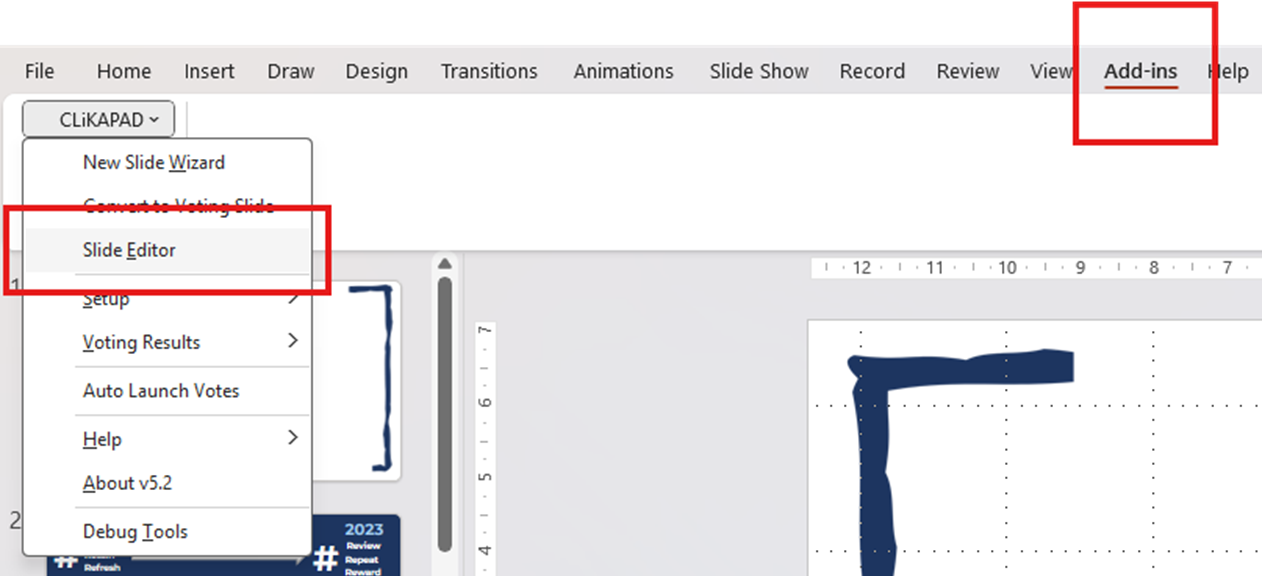
Open PowerPoint and head to the CLiKAPAD menu under Add-ins.
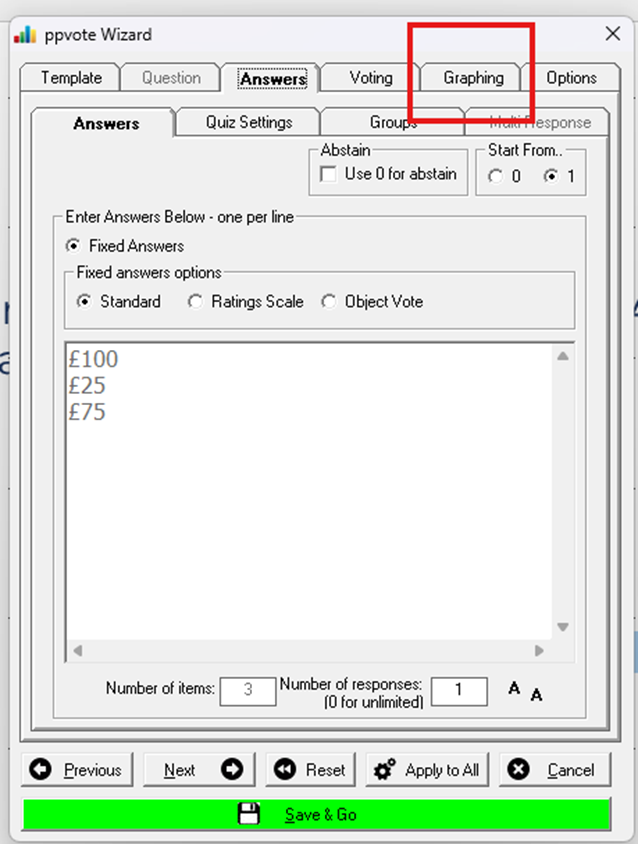
Then go to the Graphing tab on the slide editor.
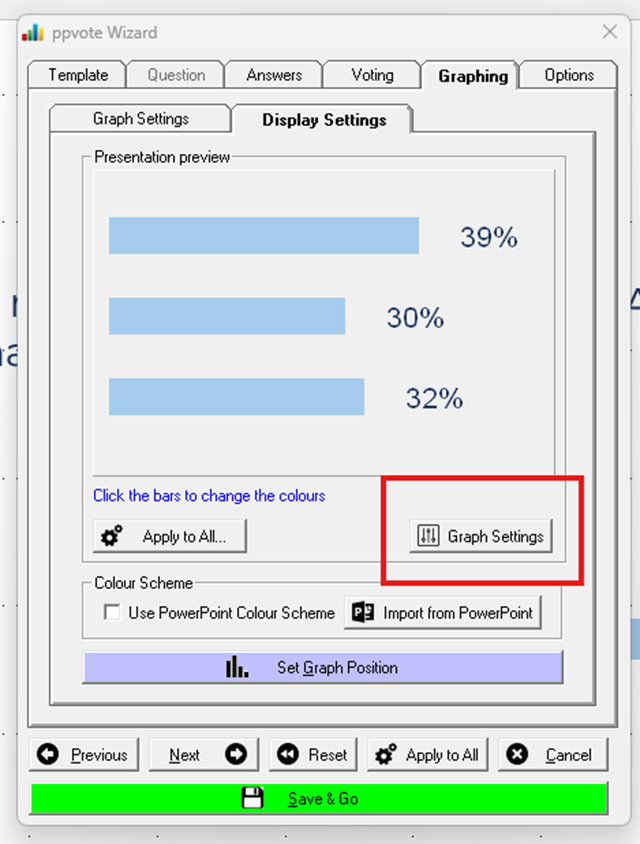
Click Graph settings then select Make All Same Colour. Once selected a box will pop up allowing you to choose what colour you'd like to make your bars.